Saved pianos and tunings
Piano records, saved tunings and rechecking. Return to the instrument with the context of the previous session.
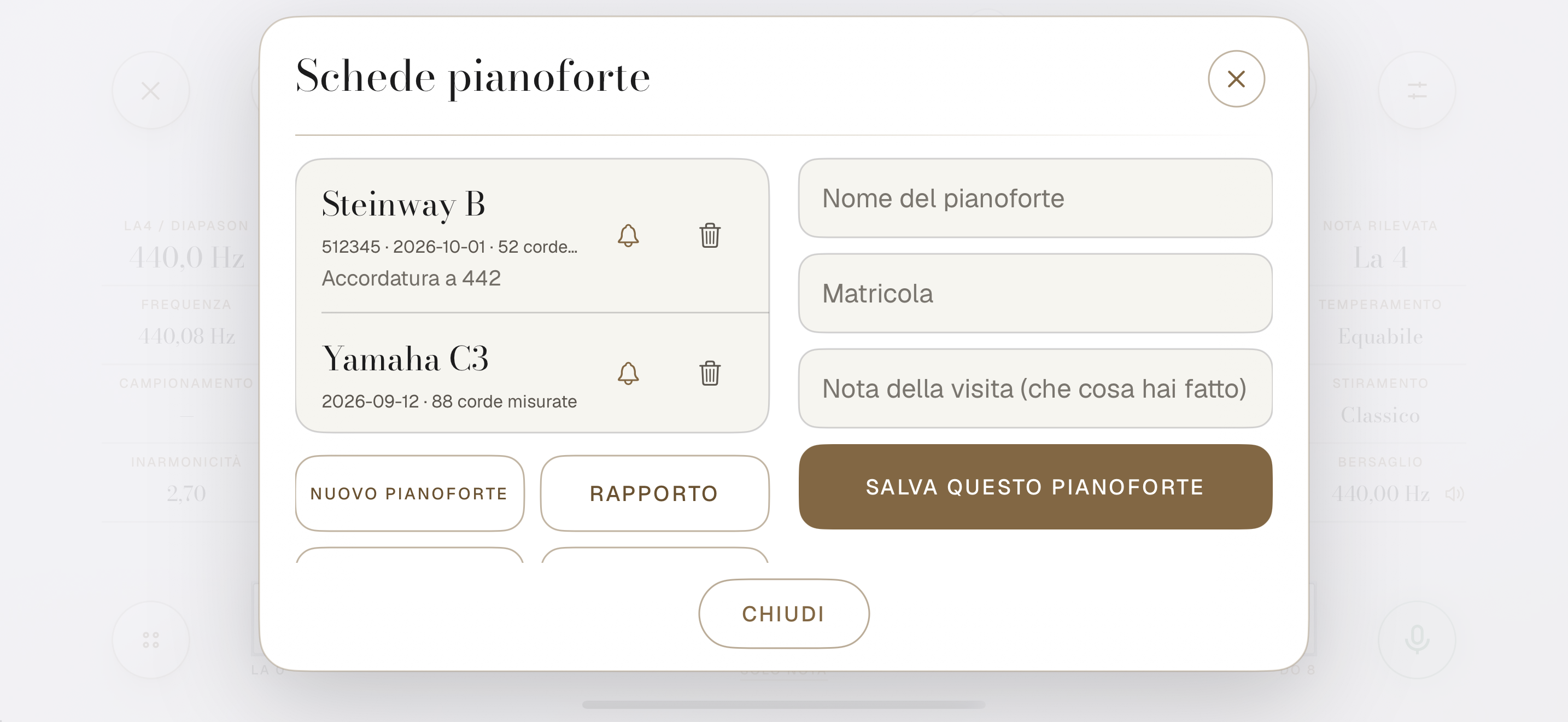 Enlarge the viewCurrent native app screenshots · Illustrative values
PROFESSIONAL PIANO TUNER
Sound analysis and visual references
for piano tuning.
SOUND ANALYSIS
Corista analyses the partials and inharmonicity of the strings. These measurements help define the piano’s tuning references.
01 / PITCH READING
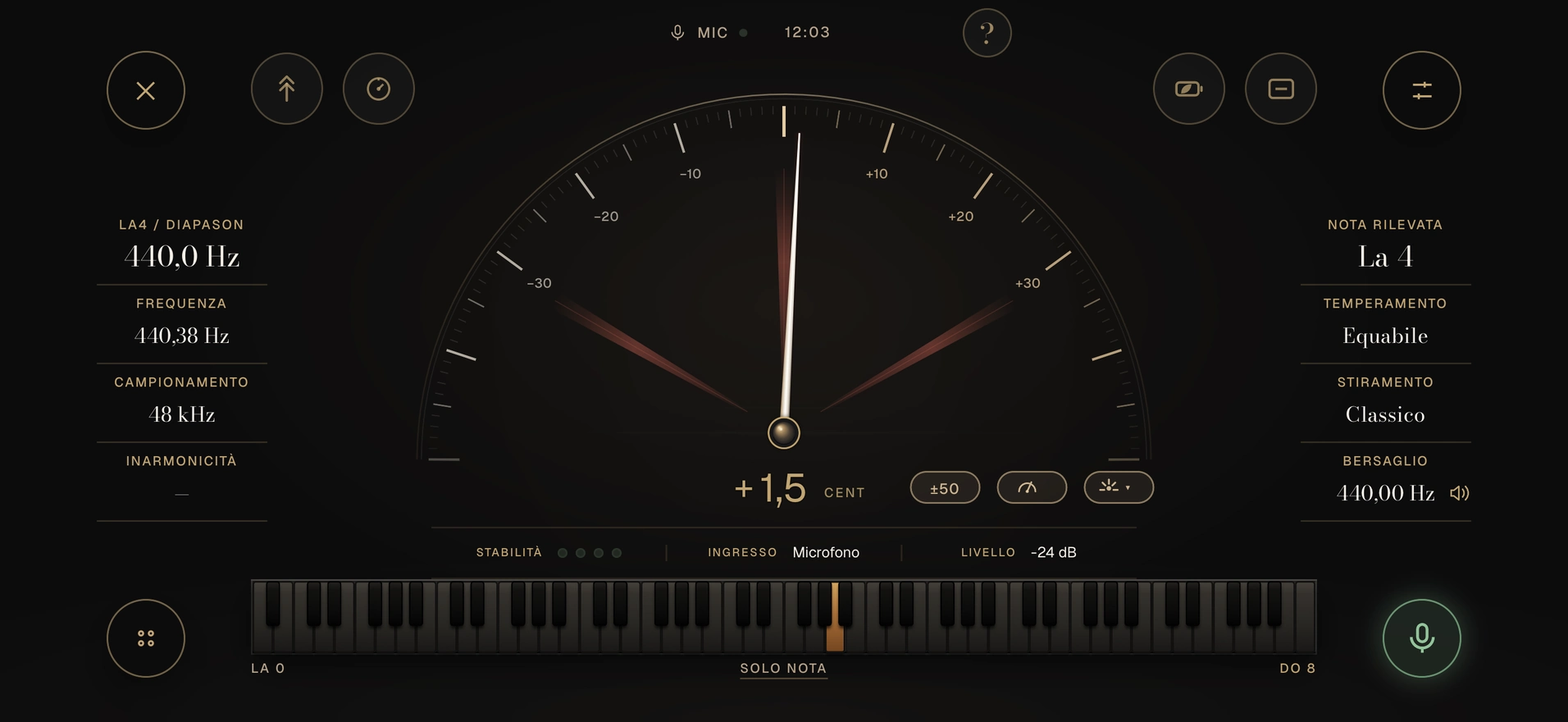
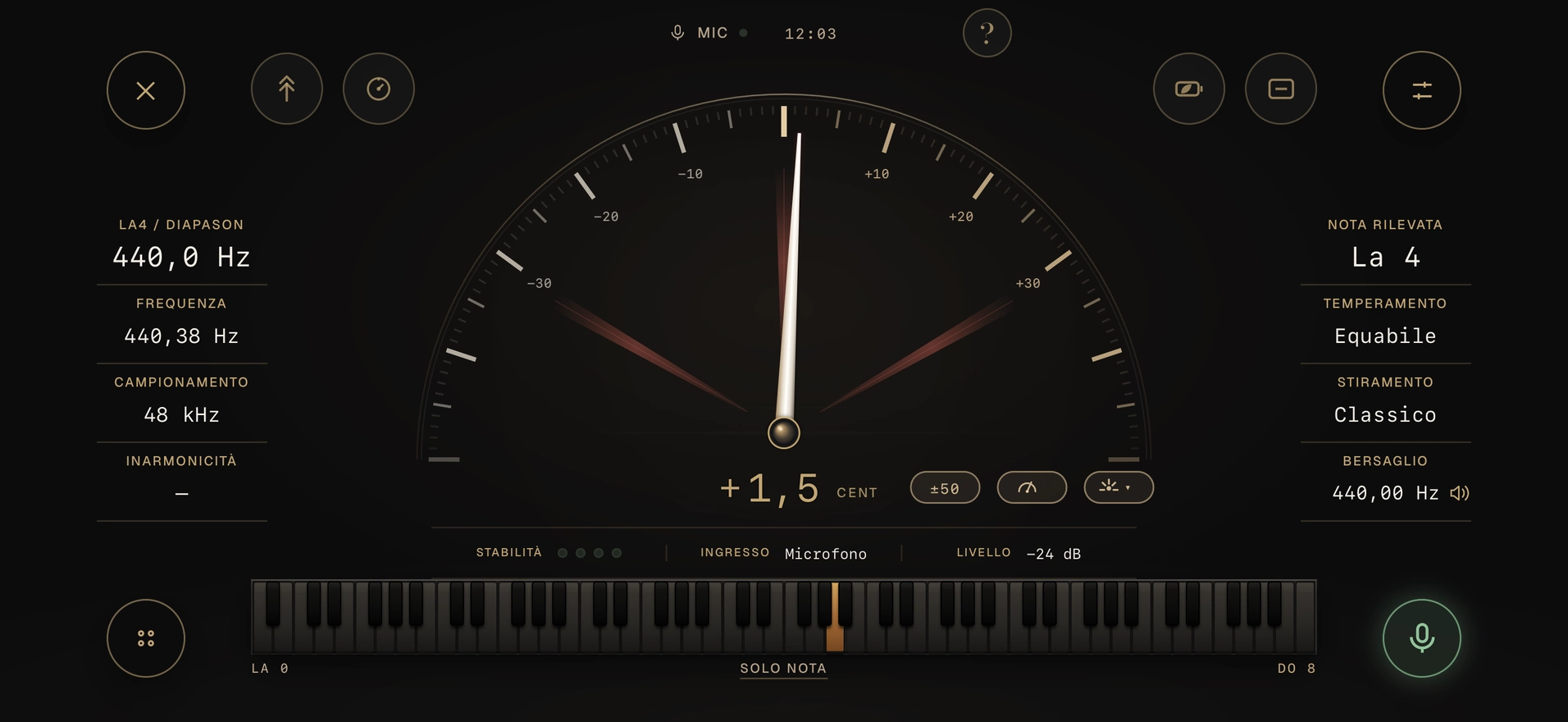
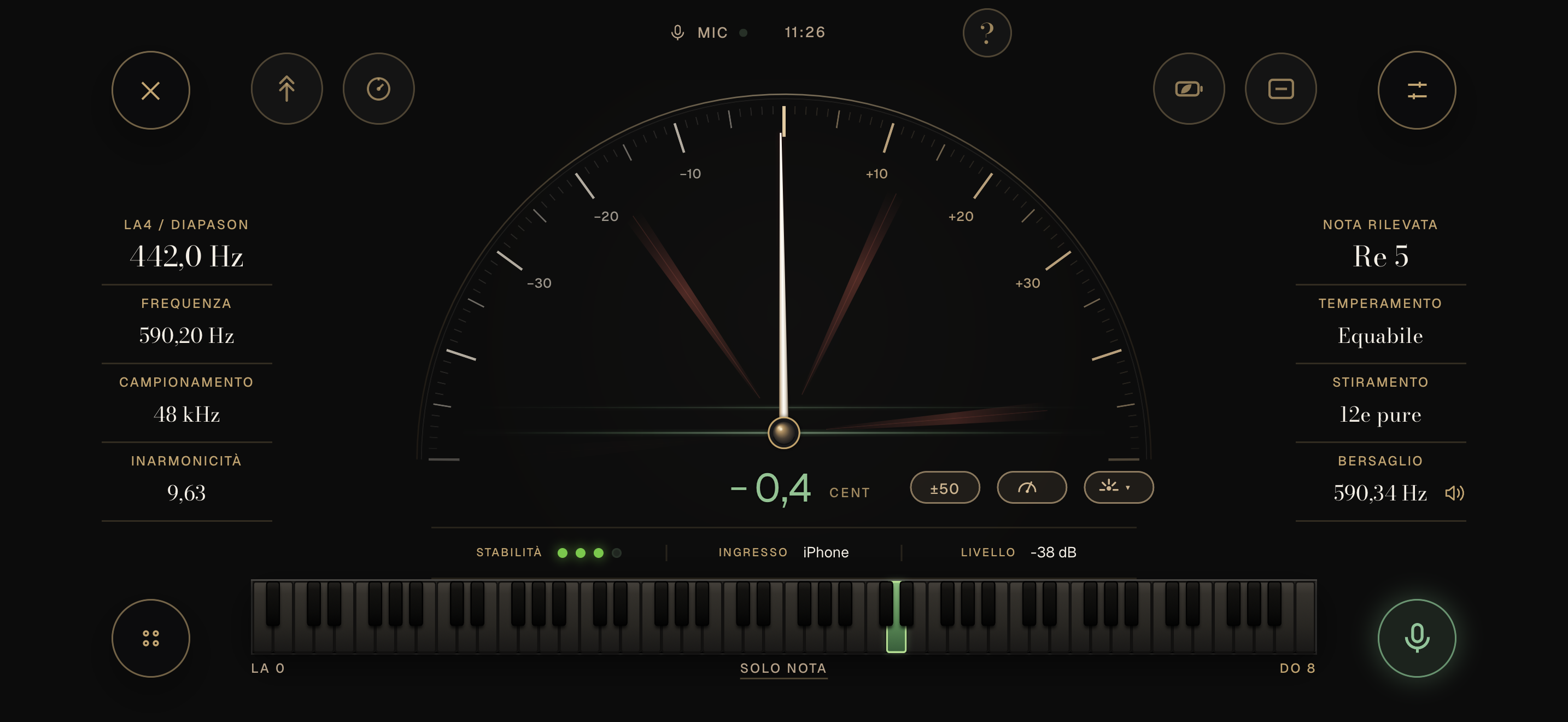
The needle shows the deviation from the tuning reference.
CORISTA CALCULATION
Corista uses a dedicated calculation to display deviation from the tuning reference.
01 / PITCH READING
Corista uses a dedicated calculation to display deviation from the tuning reference.
Follow the deviation from the reference as you adjust with the tuning hammer. The zero magnifier enlarges the reading ×3.
DEVIATION DISPLAY
Tape
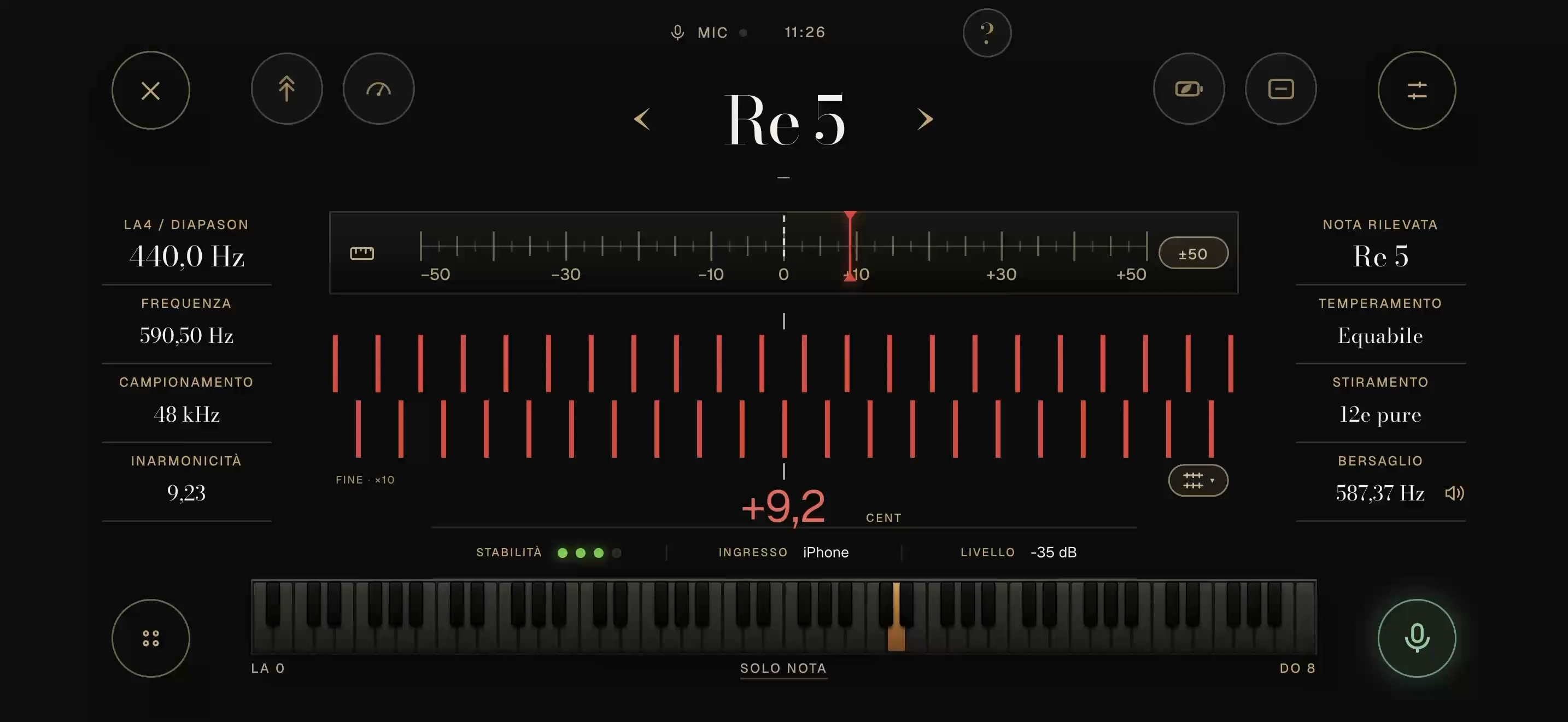
The tape displays the same measurement, showing deviation from the central reference.
TRACE VIEW
The cursor shows the deviation from the reference.
Trace
The path retains the recent course of the measurement. Cursor, trace and reference share the same space.
02 / MEASUREMENT VIEWS
The same measurement, with a single tuning reference.
Customise the preview
These options only change the website preview.
A circular dial with needle and rays. An expansive reading of deviation from the reference.
SPECTRAL ANALYSIS
The spectrum shows the components of the sound and their respective frequencies.
Fundamental component.
Fundamental and upper partials.
Distribution of partials by frequency.
Illustrative representation of partials · Not a measurement
03 / ANALYSIS
Inspect the tuning curve, spectrum and inharmonicity. Temperament, stretch and personal corrections define the reference to follow during tuning.
Spectrum
An example of the standard model’s tuning curve, with a reading for each note.
Current native app screenshots · Illustrative values
04 / PITCH RAISE
Pitch raise distinguishes the initial measurement, compensated target and final reference.
Measure the starting pitch
Compensation depends on the piano’s measurements and settings.
UNISON VIEW
Check the beats between strings of the same note. The sphere and readouts support aural verification.
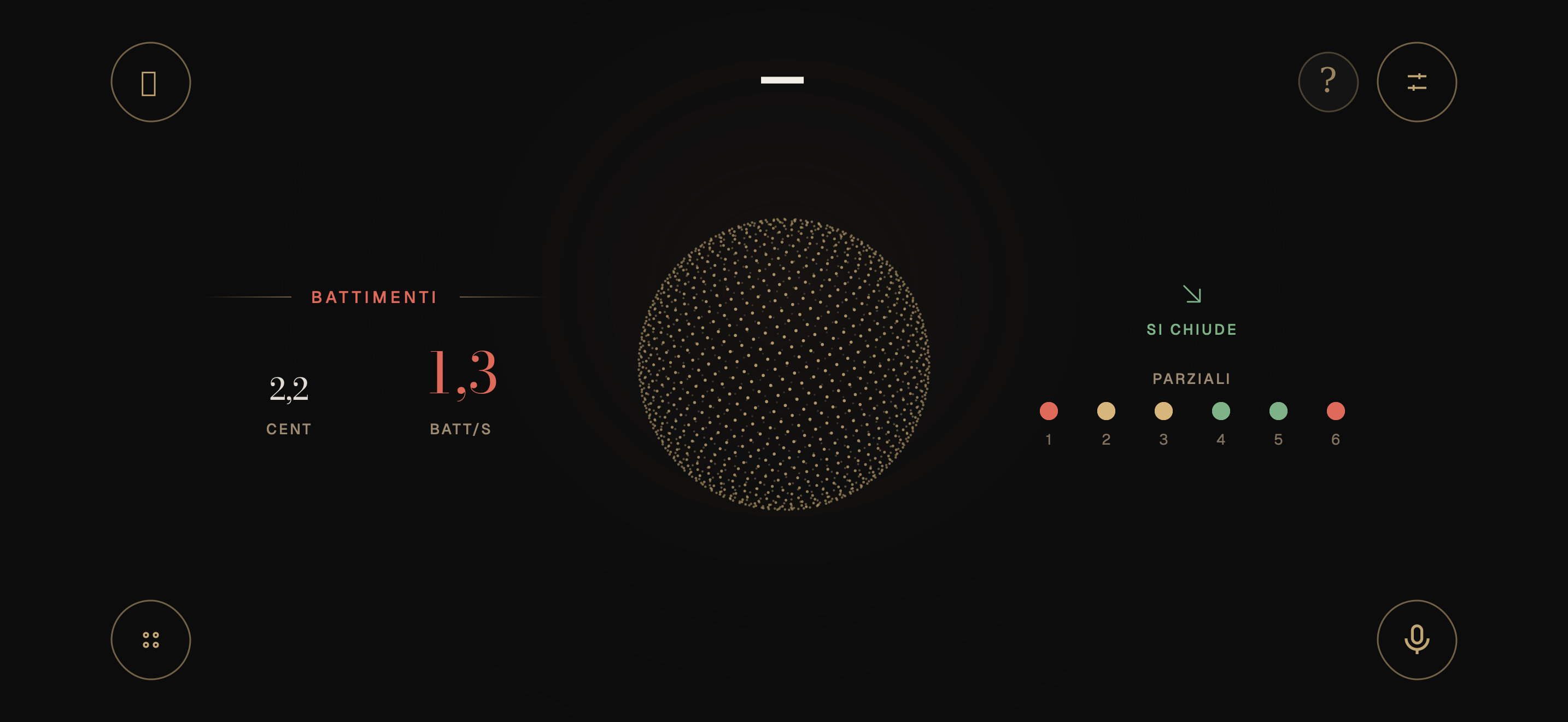
Beat assessment.
Spherical unison indicator.
Unison view: readings and indicators.
Beats per second and deviation in cents.
Trend and partial indicators.
Current interface · Illustrative animation and values
CHECKING THE RESULT
Visual references support the technician’s listening. Checking unisons and intervals remains part of the tuning session.
05 / SESSION TOOLS
Piano records, saved tunings and rechecking. Return to the instrument with the context of the previous session.
Enlarge the viewCurrent native app screenshots · Illustrative valuesSound analysis takes place on your iPhone. Measurements and references remain available without a connection.
Adjust needle and tick thickness, typefaces, background brightness and colour temperature.
Needle and scale tick detail.
Native screens · Illustrative reading and annotations
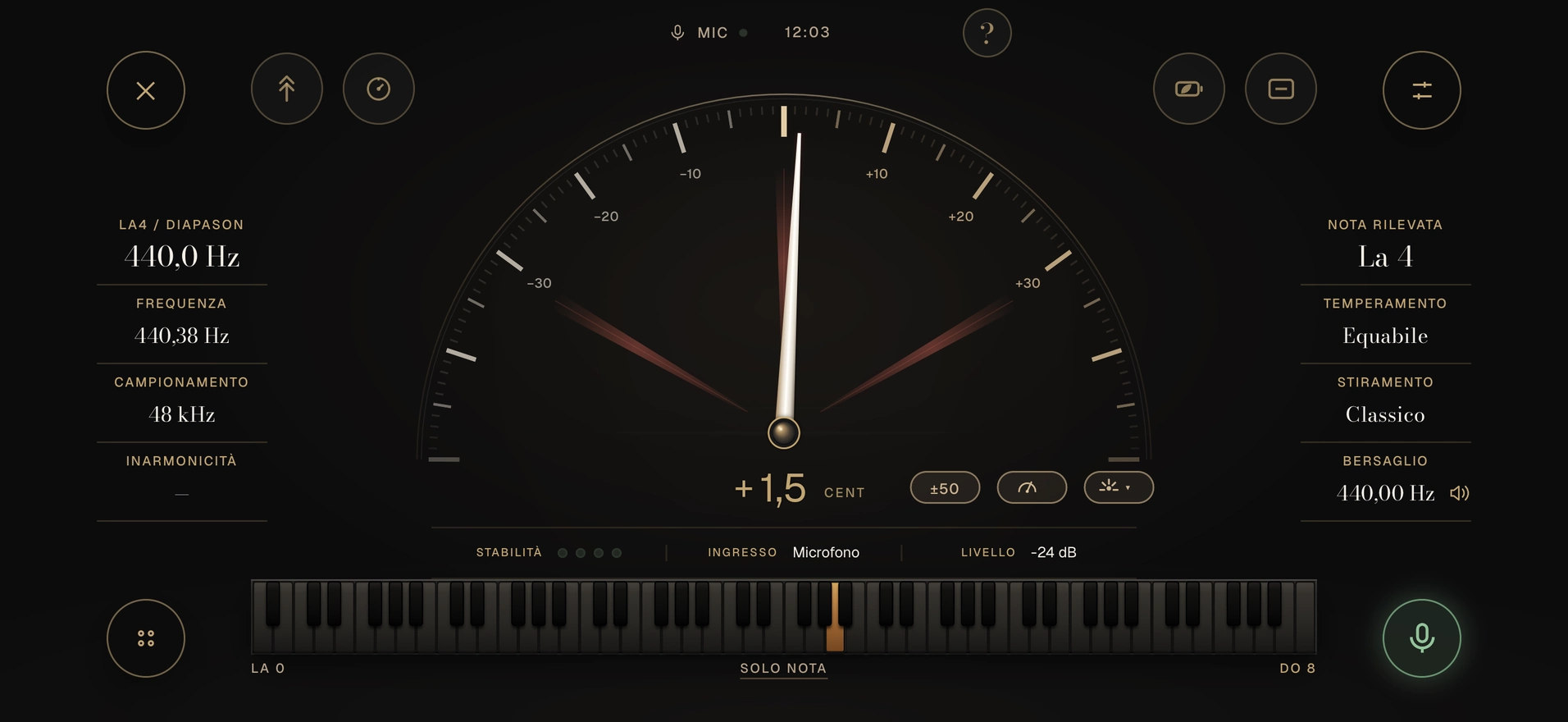
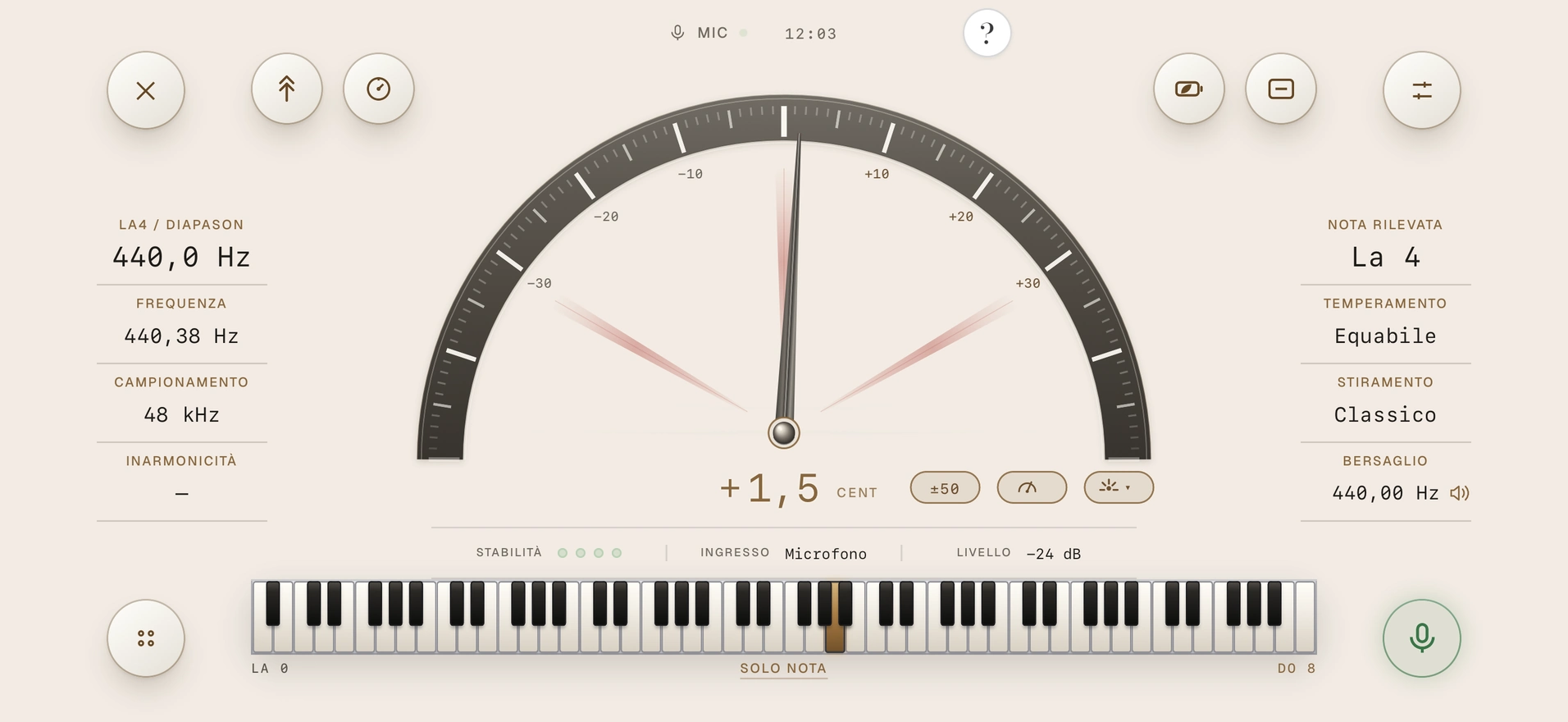
Native screens · Illustrative reading and annotations
AVAILABLE VERSIONS
Open the web version to assess the pitch reading, measurement views and tuning functions on your piano.
Try Corista web ↗Corista for iPhone is in private testing through TestFlight and is not yet available on the App Store.